Release Binder
Release prep that stays together.
A focused release-prep workspace for software teams. Organize App Store, Google Play, TestFlight, GitHub, package, CLI, web, privacy, dependency, screenshot, review-note, and handoff work in one place.
Available now on Mac, iPhone, iPad, and Android. The Apple purchase includes Mac, iPhone, and iPad. Android is sold separately on Google Play. Neither version has subscriptions or In-App Purchases.
Apple workspace, Android companion
Use the full native workspace on Mac, iPad, and iPhone. On Android, open and review schema-validated release packets, check readiness, update versions, and export JSON or Markdown.
Local-first by design
Your release data lives on your device. Apple builds use your private iCloud account when available. The public Android build is local-only and opens or saves files only when you choose.
Made for shipping software
Track version and build numbers, metadata, screenshots, privacy worksheets, SDK inventories, review notes, and release packets.
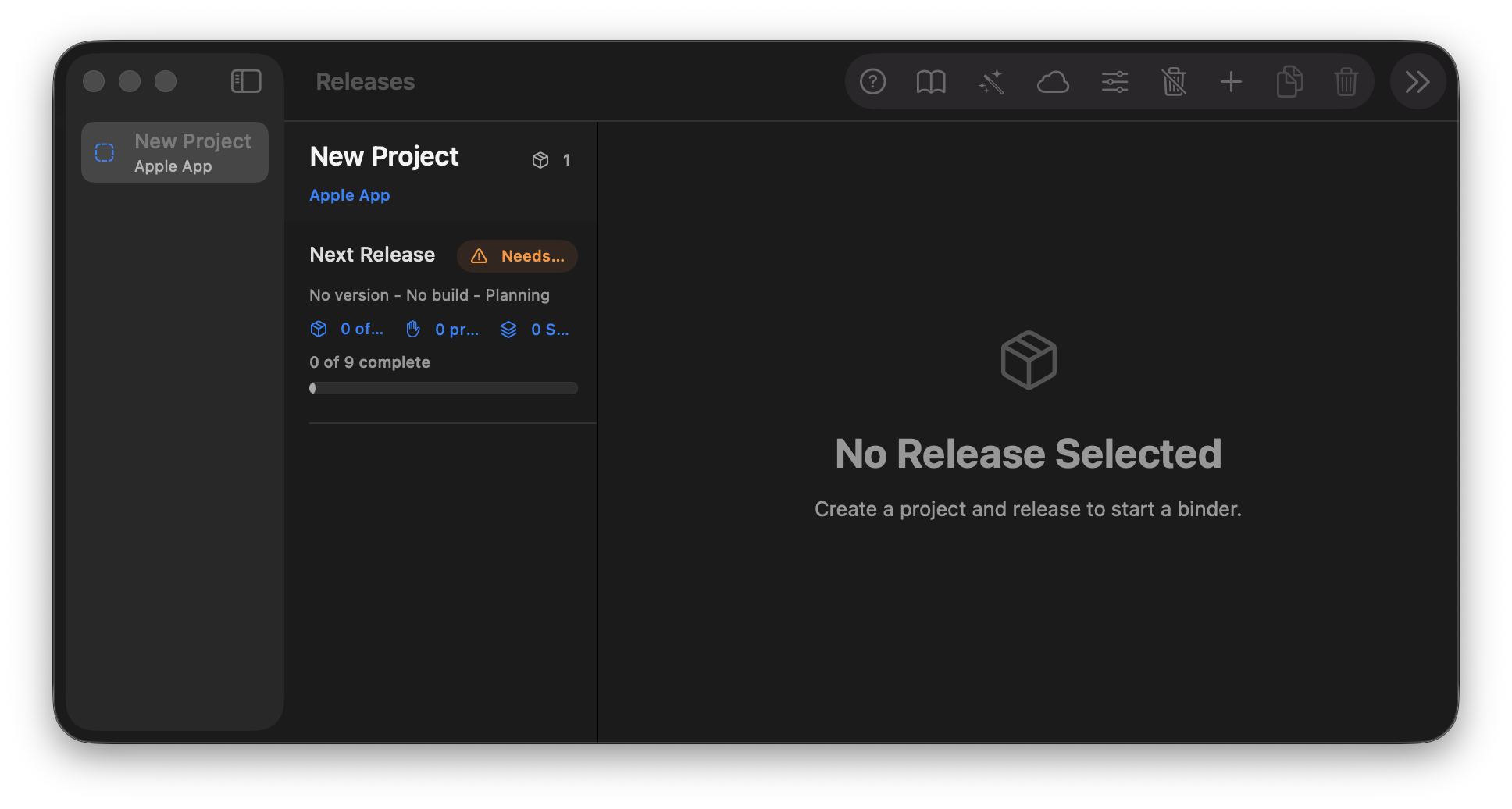
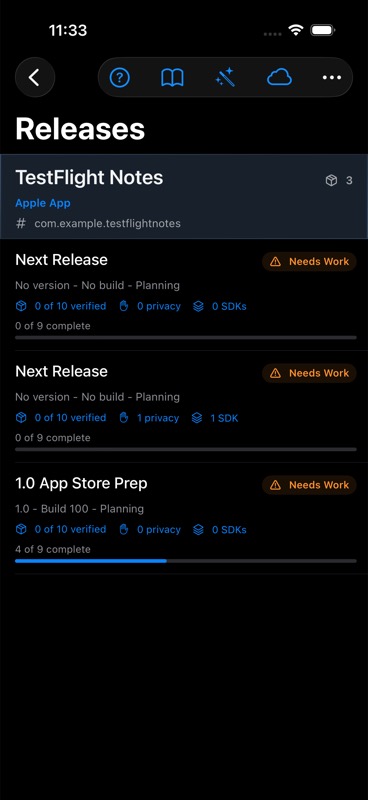
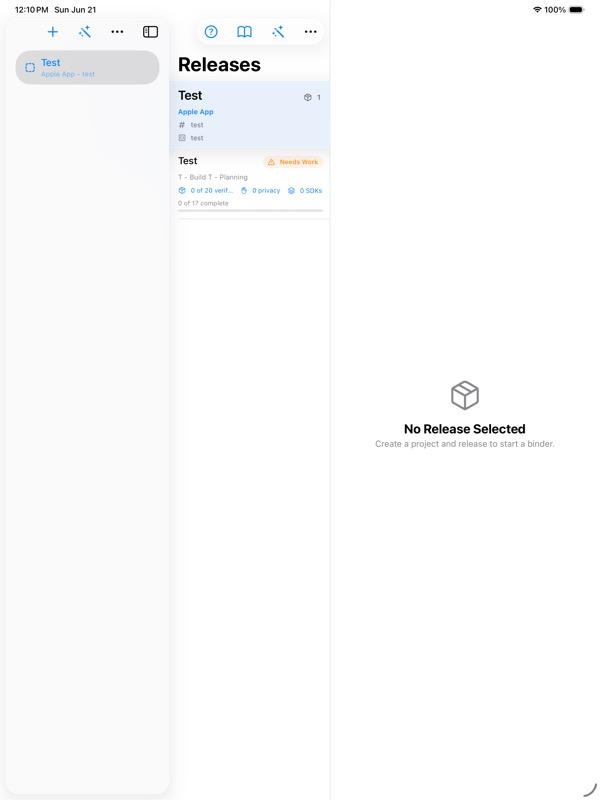
Actual app captures
macOS, iPadOS, and iOS screenshots from the native Release Binder workspace.
See the release workspace in motion.
Watch a short walkthrough of project setup, readiness checks, inventory, release-channel details, screenshots, review notes, and release packet export.
1. Create workspace
Set up projects and releases by platform, channel, and repository.
2. Prepare
Fill in metadata, screenshots, dependency notes, and submission details.
3. Verify
Use readiness checks to catch missing release facts before handoff.
4. Ship
Export a Markdown release packet for review, archive, or distribution.
Focused release bookkeeping for software teams.
Release Binder is built for the practical work around shipping: the checklists, notes, privacy facts, dependency review, metadata, tags, artifacts, and rollout context that need to be correct before TestFlight, App Review, GitHub release, package publication, or deployment.
No account required
The current app does not require a Release Binder web account or custom backend.
No analytics, ads, or AI features
The current app does not include third-party analytics, advertising SDKs, tracking SDKs, or AI services.
Not for secrets
Release Binder is not a password manager. Do not store passwords, API keys, private keys, or App Store Connect credentials.
Local-first privacy posture
Local storage, private iCloud sync across Apple devices when you are signed in, local-only files on Android, no custom backend, no analytics, no ads, and no secret storage.